Quick Answer
Prompt ROI is calculated by finding the dollar value of time an AI prompt saves you, then subtracting what the AI costs to run. A task that takes 60 minutes manually but 10 minutes with AI saves 50 minutes — worth $41.67 at a $50/hour rate — against a $0.20 AI cost, for a net value of $41.47 per use.
vs. AI Subscription Cost Calculator: that tool tells you what your AI tools cost in total. This one tells you whether a specific AI-assisted task or workflow is worth that cost.
vs. AI Automation Savings Calculator: use this tool for a single, ad hoc AI-assisted task. Use Automation Savings for a recurring, automated process with a one-time setup cost.
How the Prompt ROI Calculator Works
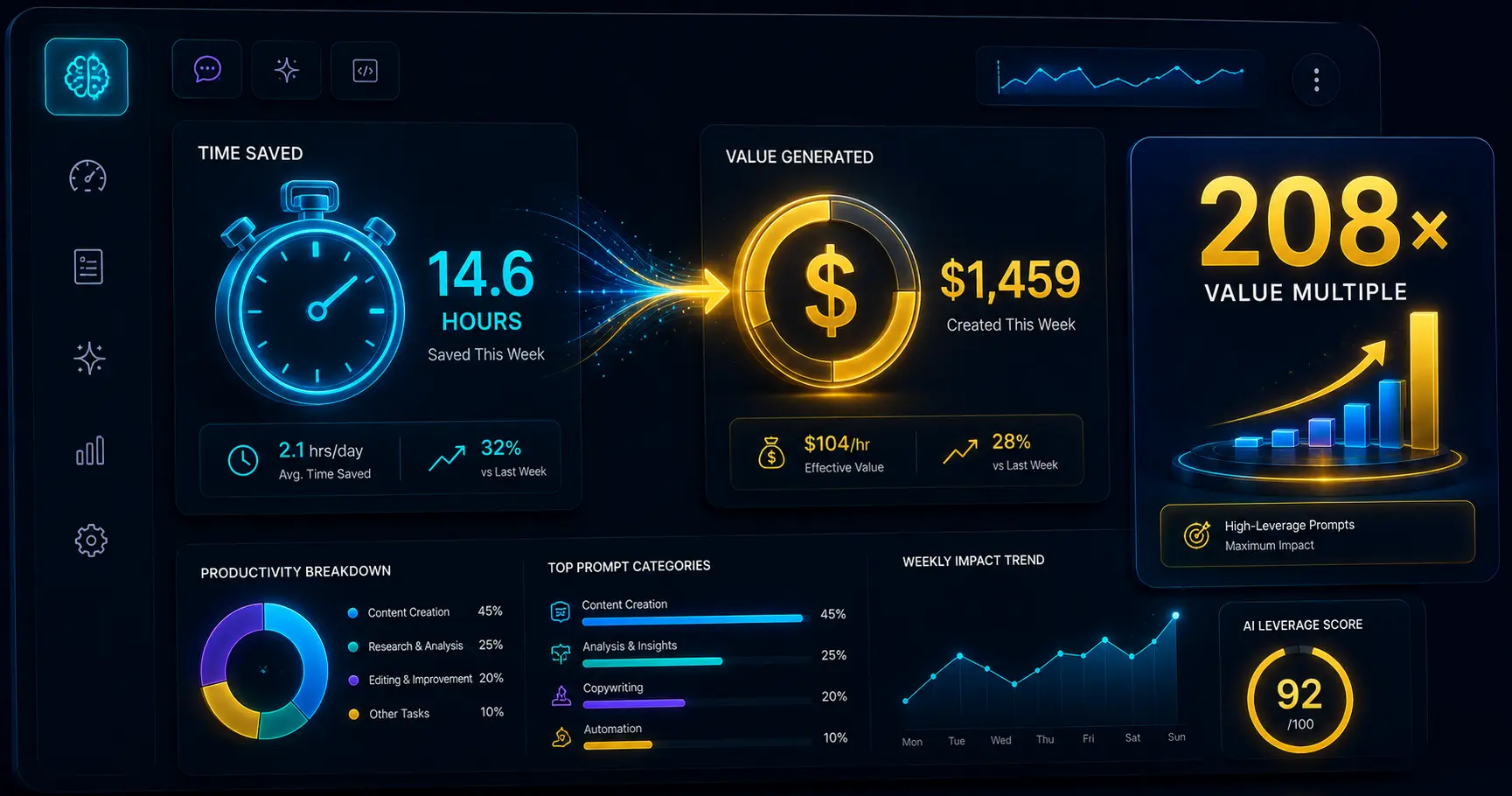
Enter how long a task takes manually versus with AI assistance, your hourly rate or the value you place on your time, and what the AI costs per use. The calculator finds your time saved, converts it into a dollar value using your hourly rate, then subtracts the AI cost for a net value per use. If you enter an AI cost, it also shows ROI, a value multiple, and the break-even AI cost — the maximum you could pay before this specific use stops being worth it.
Enter how often you repeat the task and the calculator projects your net value saved weekly, monthly, and yearly — turning a single small time-save into the real cumulative value it represents over time.
Why This Is Different From Tracking AI Subscription Cost
The AI Subscription Cost Calculator tells you what you’re spending on AI tools in total. This calculator answers a narrower, more useful question for any single task: is using AI for this specific thing actually worth it, once you account for both the time saved and what it costs to run? A tool can be worth its subscription price overall while still being a poor fit for certain tasks — this calculator helps spot which is which.
Time Saved = Manual Time − AI Time
Value of Time Saved = (Time Saved ÷ 60) × Hourly Rate
Net Value = Value of Time Saved − AI Cost
ROI (%) = (Net Value ÷ AI Cost) × 100
Tips for Using This Calculator Effectively
- Be realistic about AI time. Include any editing or fact-checking time you actually spend on AI output, not just the time to generate a first draft.
- Use a rate that reflects real value. If you’re not billing hourly, use what an hour of your time is genuinely worth to your business — what you’d pay someone else to do it, for example.
- Run it per task type, not per tool. The same AI subscription might have excellent ROI for one task and poor ROI for another — calculate each separately.
- Watch the break-even number. If a task’s break-even AI cost is very low, it’s a sign the task itself doesn’t save much valuable time, regardless of how cheap the AI is.
Example Scenarios
60 minutes manually down to 10 with AI, at a $50/hour rate — a strong net value that compounds fast at 5 uses a week.
5 minutes manually down to 2 with AI — a small time save that’s still worth using, but with much lower absolute weekly value than bigger tasks.
AI generates a draft in 5 minutes, but 40 minutes of editing brings total AI time to 45 minutes — barely faster than the 50-minute manual process, a weak case for AI here.
A small 15-minute time save repeated 20 times a week adds up to 5 hours of weekly value — frequency matters as much as the per-use savings.
Frequently Asked Questions
What should I use as my hourly rate?
Use whatever reflects the real value of your time for the work being replaced — your actual freelance rate, an estimate of what you’d pay to hire someone for the task, or a conservative placeholder if you’re not sure. The ROI figure is only as meaningful as this input.
What if AI actually takes longer than doing it manually?
The calculator will show a negative time saved and flag it clearly — this happens most often with tasks that need heavy editing of AI output, or tasks that are already fast to do by hand. It’s a useful signal that AI isn’t the right fit for that specific task.
Should I use per-use API cost or my monthly subscription cost?
Per-use API cost is most accurate if you’re billed that way. For flat-rate subscriptions, divide your monthly cost by your estimated monthly uses across all tasks to get a rough per-use figure, or leave AI cost at $0 to see time value saved without a cost offset.
Why is the ROI percentage sometimes so large?
Time value saved is often much larger than a cheap per-use AI cost, so ROI percentages in the thousands are common and not a calculation error — a $40 time-saving against a $0.20 AI cost is a genuinely enormous return, even though the absolute dollar amounts are modest.