Quick Answer
Profit margin is calculated by subtracting a product’s cost from its selling price, then dividing that profit by the selling price. A $97 product costing $12 to produce has an $85 gross profit and an 87.6% gross margin — before platform fees and refunds are factored in. After a 5% platform fee and a 5% refund rate, the net margin falls noticeably, which is exactly why sellers should calculate more than just gross profit before pricing a product.
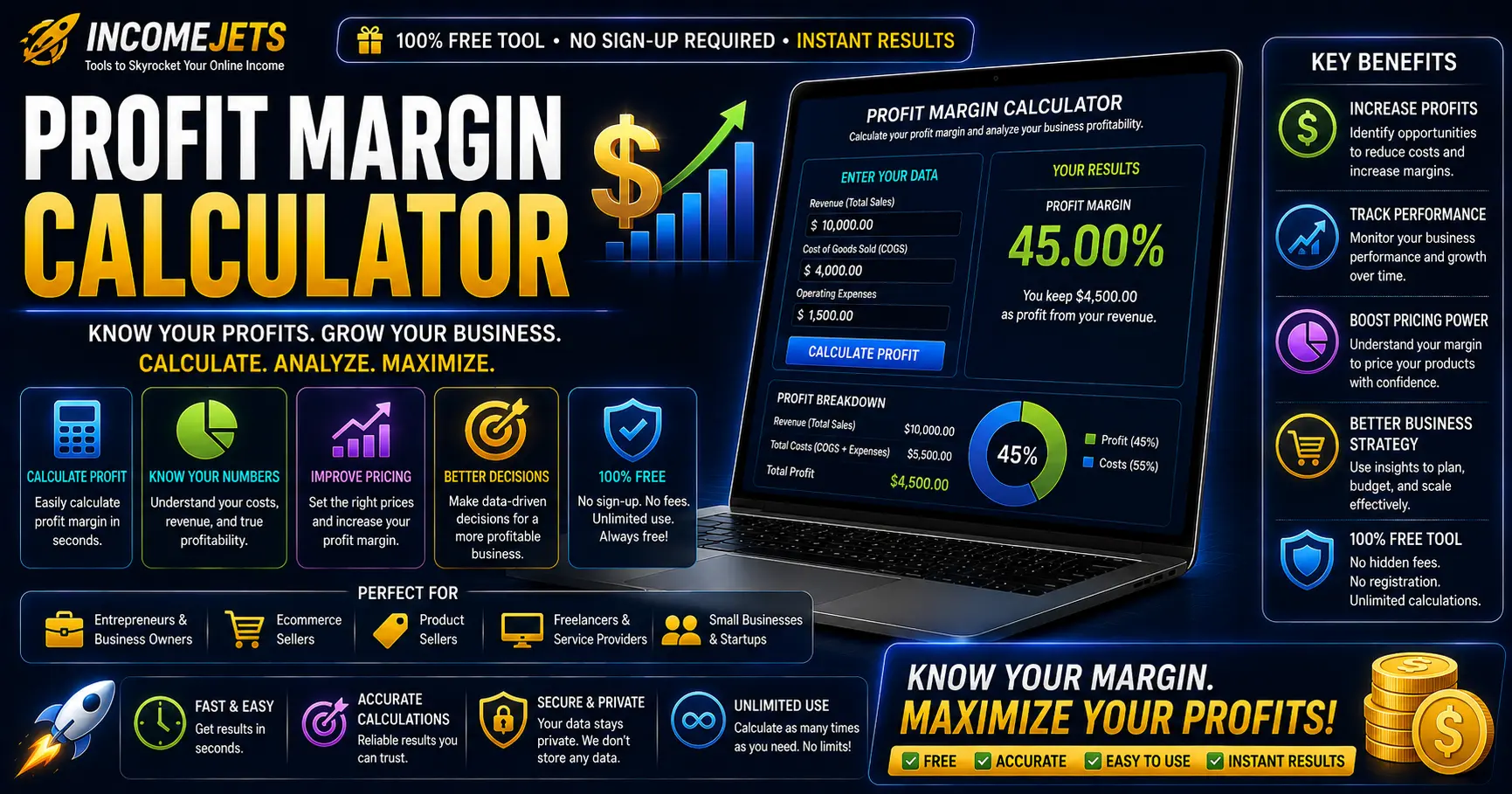
How the Profit Margin Calculator Works
Enter a product’s selling price and its cost per unit — this could be a physical product’s manufacturing cost, a digital product’s fixed overhead, or, for affiliates, the gap between the full price and what you actually keep. The calculator shows your gross profit and gross margin immediately.
Add an optional platform or transaction fee (Stripe, PayPal, Gumroad, and marketplaces typically charge 2–10%) and a refund rate, and the tool calculates your net profit and net margin — the number that reflects what you actually keep after the platform and returns take their share.
Gross Margin vs. Net Margin vs. Markup
Gross margin expresses profit as a percentage of selling price — it answers “of every dollar a customer pays, how much is profit?” Markup is different: it expresses profit as a percentage of cost, answering “how much did I add on top of what it cost me?” A product with an $85 profit on a $12 cost has an 87.6% gross margin but a 708% markup — same numbers, very different framing, and mixing the two up is a common source of pricing mistakes.
Net margin is the most honest number of the three, since it subtracts platform fees and expected refunds on top of the base cost — giving a realistic picture of what actually lands in your account per sale.
Using This Tool as an Affiliate
Switch to Affiliate mode at the top of the calculator if you’re promoting someone else’s product rather than selling your own. The inputs change to Product Price and Commission Per Sale — enter the full price the customer pays and the commission you earn from it, and the calculator shows your effective take-rate as a margin, along with your net profit after refunds.
This is useful for judging how sustainable an offer is before promoting it heavily: a program paying a healthy percentage of the sale price tends to be more durable than one running on razor-thin margins for the vendor, which are more likely to change terms or disappear.
Example Scenarios
A $197 course with near-zero production cost per sale, a 5% payment processor fee, and a 10% refund rate — typical of info-products with high gross margin but real refund exposure.
A $29/month tool costing $6/month in hosting and support per customer, with a 3% payment fee — recurring products often run lower margin per unit but scale predictably.
A $45 product costing $18 to manufacture and ship, with an 8% marketplace fee — physical goods typically carry the thinnest margins of the three, making fee awareness critical.
Promoting a $97 product paying a 40% commission ($38.80) — switch to Affiliate mode to see your take-rate and net profit after the vendor’s stated refund rate.
Frequently Asked Questions
What is a good profit margin?
It varies widely by product type. Digital products and info-products often run 70–90%+ gross margin since there’s no manufacturing cost, while physical products commonly run 20–50%. As a rule of thumb, a net margin above 50% is considered healthy, 20–50% is workable but tight, and anything below 20% leaves little room for error.
What’s the difference between margin and markup?
Margin is profit divided by selling price; markup is profit divided by cost. They describe the same dollar amount of profit from two different reference points, and using the wrong one when setting prices is a common and costly mistake — a 50% markup is only a 33% margin, not a 50% margin.
Should I include my own time as a cost?
This calculator only accounts for direct monetary costs — production, fulfillment, platform fees, and refunds. Valuing your own time is a separate consideration many creators track informally, since it’s more subjective and varies based on what else you could be doing with that time.
Why does platform fee reduce my margin even though it seems small?
A 5% platform fee doesn’t just take 5% off your profit — it takes 5% off your revenue, which can be a much larger percentage of your profit once cost is already subtracted. On a product with a 20% profit margin, a 5% platform fee on revenue eats roughly a quarter of that profit, not just a twentieth.