Quick Answer
An affiliate link builder appends UTM parameters — source, medium, campaign, content, and term — to an existing affiliate link. These parameters show up in Google Analytics and most tracking dashboards, letting you see exactly which post, pin, or platform drove each click.
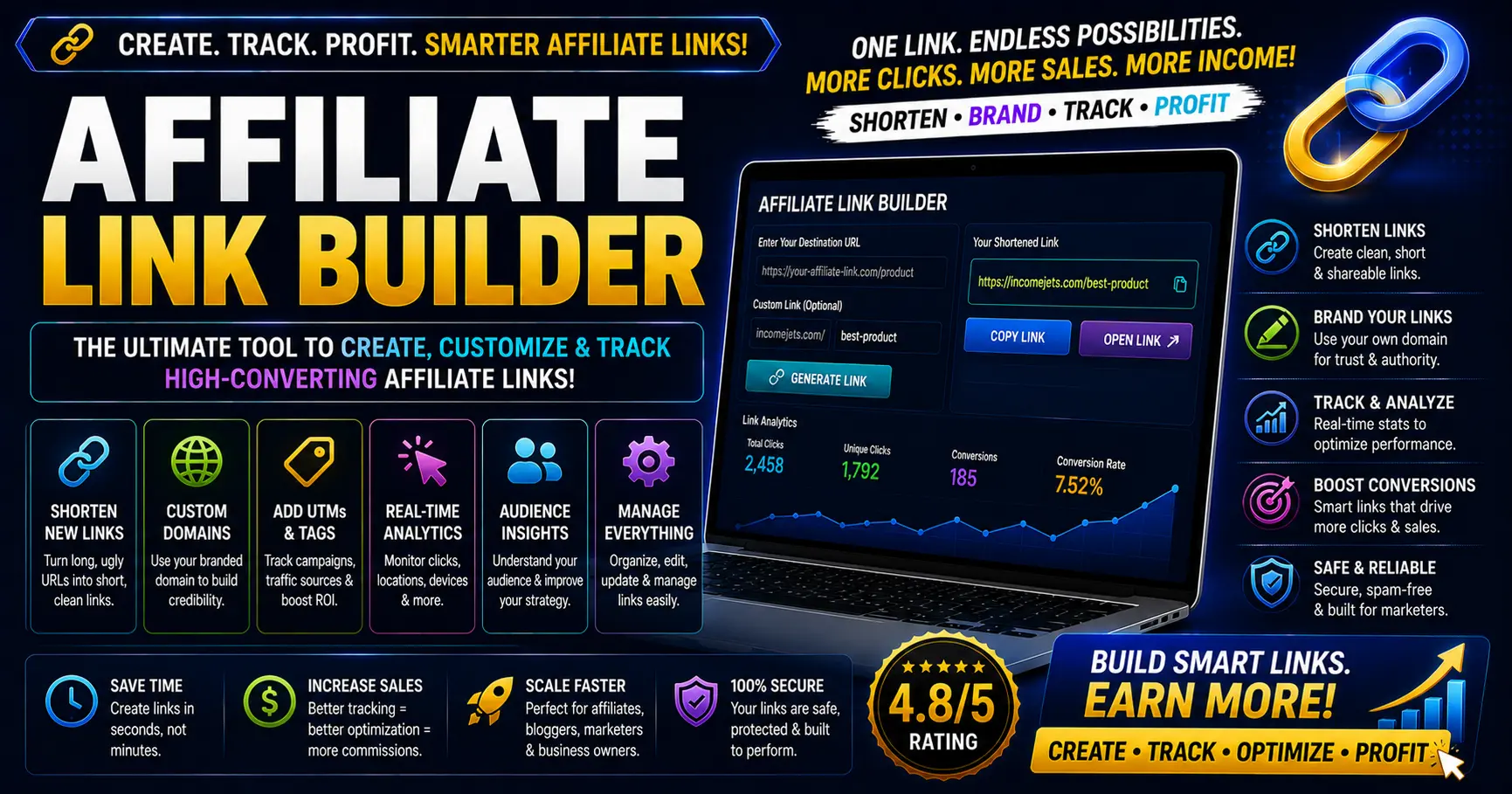
How the Affiliate Link Builder Works
Paste in your existing affiliate link or hoplink — the one your network (JVZoo, ClickBank, WarriorPlus, ShareASale, or any other) gave you. Then fill in a few tracking fields: where you’re posting it (source), what kind of traffic it is (medium), and a campaign name to group related links together. The tool appends these as standard UTM query parameters to your link without changing the destination or your affiliate ID.
The result is a single link you can post anywhere, that still tracks back to your original affiliate ID, but now also reports which specific post or platform sent the click — critical if you’re running the same offer across multiple free traffic sources at once.
Why UTM Parameters Matter for Affiliates
Most affiliate networks tell you total clicks and sales, but not where those clicks came from. If you’re posting the same link on Pinterest, in a blog post, and in an email newsletter, you have no way to know which channel is actually converting — unless each version of the link is tagged differently.
UTM parameters solve this by embedding that context directly in the URL. When someone clicks a tagged link, most analytics tools (including Google Analytics and many affiliate networks) automatically parse and report on utm_source, utm_medium, and utm_campaign — giving you a clear breakdown of which content is actually driving results.
Tips for Naming Your Campaigns
- Keep campaign names consistent. Use lowercase, hyphenated names like
vidicom-review-launchrather than changing format each time, so your analytics reports group correctly. - Use content for A/B testing. If you’re testing two different pin designs for the same offer, use the content field to distinguish them (e.g.
pin-layout-1vspin-layout-2). - Don’t overtag. Only fill in the fields that are actually useful for your reporting — source and medium alone often answer 80% of your tracking questions.
- Save your links. Use the built-in history feature to keep track of which tagged links you’ve already generated for a given campaign, so you don’t accidentally create duplicates with slightly different tags.
Frequently Asked Questions
Do UTM parameters change my commission or affiliate ID?
No. UTM parameters are added as additional query string values alongside your existing affiliate tracking, they don’t replace or interfere with your affiliate ID, hoplink structure, or commission tracking in any way.
Will every affiliate network recognize UTM parameters?
Most networks will simply pass the parameters through without issue since they’re standard URL query strings, but your network’s own reporting dashboard may not display them. UTM parameters are primarily read by Google Analytics and similar tools — check your destination page’s own analytics setup to confirm they’re being tracked correctly.
What’s the difference between UTM source and UTM medium?
Source identifies the specific platform or site sending traffic, like “pinterest” or “email.” Medium categorizes the type of traffic, like “social,” “email,” or “cpc” for paid ads. Using both together lets you filter reports by platform and by traffic type simultaneously.
Is my link history private?
Yes. The saved link history is stored only in your browser’s local storage on this device — it’s never sent to IncomeJets or any server, and clearing your browser data will remove it.