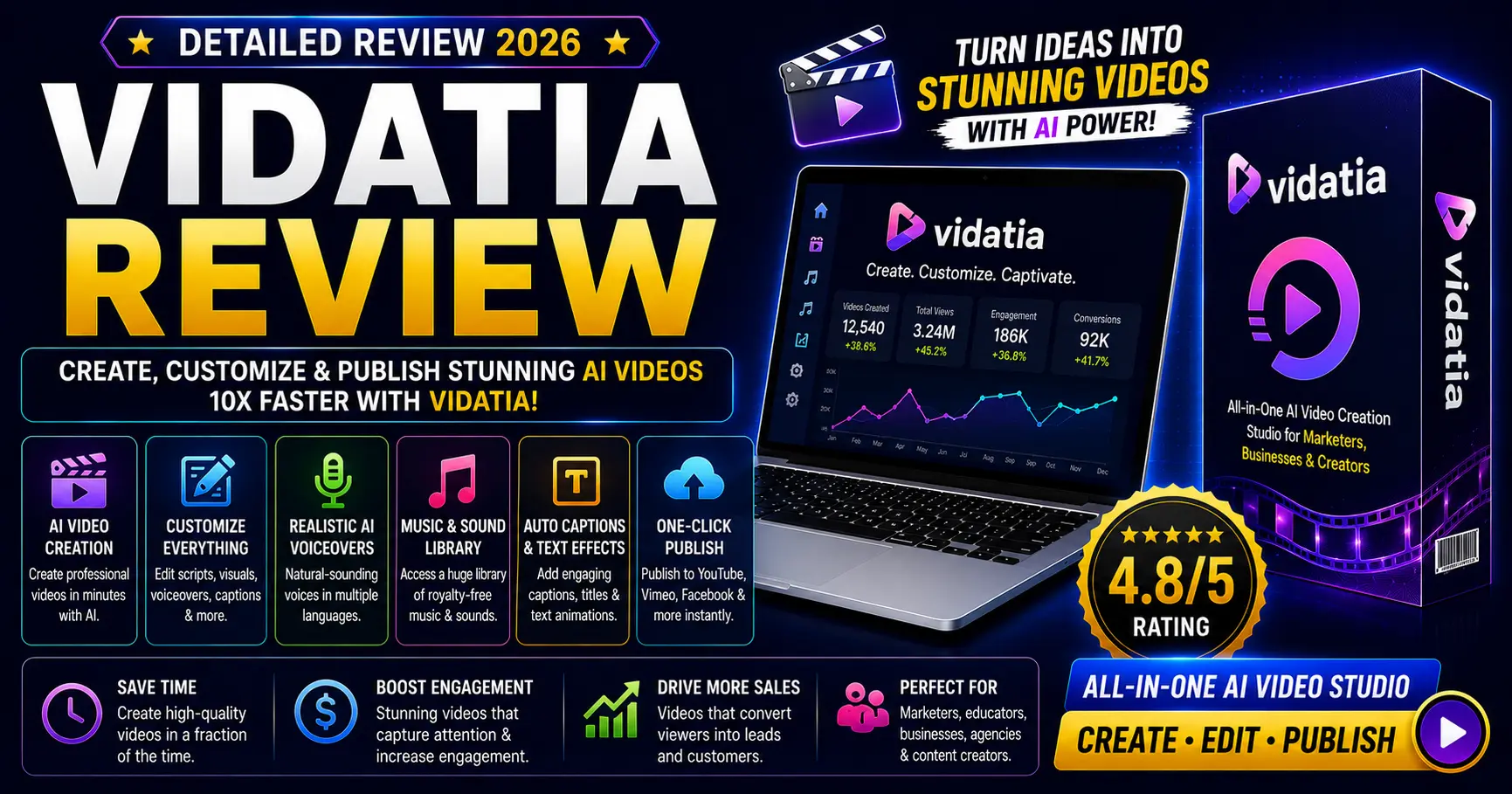
Vidatia Review 2026: Is This $67/Year Desktop AI Video Studio Worth It?
A Windows and Mac desktop app that turns a topic or text into finished videos (script, visuals, voiceover, captions and music) in 24 visual styles. Here’s what’s real, what it costs, and who should buy it.
Quick verdict
Vidatia is worth it for faceless YouTube and TikTok creators who want AI videos in many styles from a desktop app. Elite costs $67 a year and allows 45 videos a month. The main drawback: Elite is for your own content only; client work needs the $347 All-Inclusive plan. If you prefer a browser tool, InVideo AI is the alternative.
It’s built by Cyril Gupta’s Teknikforce (the company behind Vidicom and AI Collective) and has been on sale since July 2025. It uses GPT, Claude and Gemini for scripts, ElevenLabs and OpenAI for voices (including voice cloning), and exports landscape, portrait or square videos.
Vidatia at a glance
| Price | Elite: $67/year or $6.99/month, both recurring |
| Elite limits | 45 videos per month, 20,000 welcome credits, up to 3 channels, 2 writer AIs, 2 visual AIs and 2 video AIs, no team users |
| App type | Desktop app for Windows and Mac |
| AI engines | GPT, Claude and Gemini for writing; ElevenLabs and OpenAI for voices |
| Visual styles | 24 named styles, from realistic and cinematic to anime and claymation |
| Licence | Elite covers your own business only. Client work needs Pro or All-Inclusive |
| Upgrade | All-Inclusive: $347 |
| Refund | 30 days, via support ticket, email or live chat |
| Vendor | Teknikforce (Cyril Gupta), since July 2025 |
Checked against the JVZoo listings and the Vidatia sales page on Oct 16, 2026. Confirm prices on checkout.
What is Vidatia?
Vidatia is an AI video creation app that runs directly on your computer (Windows and Mac) rather than in a browser. You give it a topic or paste text, and it handles the whole production pipeline: writing the script, storyboarding, generating visuals, adding a voiceover and background music, and burning in customizable captions. It offers 24 named visual styles, from realistic and cinematic to anime, claymation and movie noir, and exports in landscape, portrait and square formats for YouTube, Shorts, Reels and TikTok. Background music comes from a built-in library, Pixabay or your own uploads.
It’s developed by Teknikforce, Cyril Gupta’s software company (also behind TubeRank Jeet, Vidicom and AI Collective). Under the hood it combines several AI engines: GPT, Claude and Gemini for scripting, plus OpenAI and ElevenLabs for voices, including cloning your own voice. Running on your own computer means no browser render queues.
How does Vidatia work?
Reality check: it’s a real production shortcut, but “professional videos in minutes” still assumes you review the output. AI visuals occasionally miss, and the best results come from giving it clear, specific prompts rather than one vague word.
What’s inside (at a glance)
- Desktop app (Windows & Mac)
- Topic or text to video
- 24 visual styles
- GPT, Claude & Gemini scripting
- ElevenLabs voices + voice cloning
- 45 videos a month on Elite
Pros and cons
Pros
- $67 a year is cheap next to monthly AI video tools
- Runs locally — fast, no render queues
- Wide style range: realistic to anime to claymation
- 45 videos a month is generous for one channel
- Voice quality (ElevenLabs/OpenAI) is genuinely good
- 30-day money-back guarantee
Cons
- Aggressive upsell funnel — evaluate each OTO carefully
- Elite is personal-use only; client work needs All-Inclusive ($347)
- Yearly or monthly subscription, not a one-time purchase
- Elite limits: 45 videos a month, 3 channels, limited AI choice
- Desktop-only — no browser or mobile access
- Output still needs review; AI visuals can miss
How much does Vidatia cost?
| Plan | Price | Who it’s for |
|---|---|---|
| Elite Yearly | $67/year, recurring | Solo creators making videos for their own channels |
| Elite Monthly | $6.99/month, recurring | Trying it for a month or two first |
| All-Inclusive | $347 | Freelancers and agencies who need client-work rights and the full upgrade set |
| Pro and add-ons | Offered after purchase | More videos and AIs; TubeRank Jeet and Vidko add-ons |
🧮 Will a faceless channel pay for it? Plug your expected views into our free YouTube Revenue Calculator to see how many monthly views it takes to cover $67 a year.
Monthly vs yearly: $6.99 × 12 is about $84, so Elite Yearly is cheaper if you keep it a full year. Monthly is the low-risk way to test it first. Start with Elite Yearly if you only make videos for your own channels. Choose All-Inclusive only if you plan to sell videos to clients. Check the checkout page for what All-Inclusive includes and whether it renews.
Planning a faceless channel to earn affiliate income?
Start with our free Affiliate Marketing Quick-Start Toolkit: a beginner’s guide to turning content into your first commissions before you pay for more software. Instant download, no credit card.
Who is Vidatia for?
Good fit if you…
- Run (or want to start) faceless YouTube/TikTok channels
- Want many visual styles from one tool
- Make under 45 videos a month
- Prefer a desktop app over browser tools
Skip it if you…
- Need browser or mobile access (it’s desktop-only)
- Expect flawless output with zero review
- Want to sell videos to clients on the $67 plan
- Already pay for a video tool that covers your needs
Vidatia vs. the alternatives
| Tool | Cost | Best for | Trade-off |
|---|---|---|---|
| Vidatia | $67/year | Faceless videos in many styles | Desktop-only; personal-use licence |
| Vidicom | $67/year | Product videos from a URL | Fewer styles; 50 videos total on Elite |
| InVideo AI | Monthly + credits | Polished browser workflow | Recurring cost, render queues |
| Pictory | Monthly | Blog-to-video for marketers | Recurring cost, fewer styles |
| CapCut (manual) | Free / low | Full creative control | Time-consuming, hands-on |
Want to turn videos into affiliate income? See our Best AI Tools for Affiliate Blogging and Best Tools for Affiliate Marketing roundups for the rest of the workflow.
The verdict
Vidatia earns a 3.8/5. It packs a lot into $67 a year: multi-model AI scripting, strong voices with cloning, 24 visual styles and 45 videos a month, from an established vendor with a 30-day refund. It loses points because Elite is licensed for your own content only, it’s a subscription rather than a one-time buy, and the upsell funnel is long. For faceless creators on a budget, Elite Yearly is good value. If you want to sell videos to clients, budget for All-Inclusive.
Grab these free IncomeJets bonuses
Buy through our link and email admin@incomejets.com with your JVZoo receipt to claim:
A resource built to help you put tools like Vidatia to work generating real income, not just sitting in your account unused.
A video and blog content generator to speed up first drafts. Edit before you publish.
Turn your content into daily visitors, leads and sales using free traffic systems. A beginner-friendly setup using simple free traffic methods that still work in 2026.
Frequently asked questions
Is Vidatia legit or a scam?
It’s a real, working desktop app from Teknikforce, a software vendor with a decade-plus track record — not a scam. The honest cautions are the personal-use licence on Elite and the upsell funnel, not the software itself.
Who created Vidatia?
Cyril Gupta, founder of Teknikforce Ventures, the company behind TubeRank Jeet, Vidicom and AI Collective. Vidatia launched in July 2025.
How much does Vidatia cost?
Vidatia Elite is $67 per year or $6.99 per month. All-Inclusive is $347. Elite is a recurring subscription, not a one-time purchase.
How many videos can I make?
Elite allows 45 videos per month, with 20,000 welcome credits and up to 3 channels.
Does it work on my computer?
Vidatia is a desktop app for Windows and Mac. It runs locally, which makes rendering fast — but there’s no browser or mobile version.
Can I make faceless YouTube and TikTok videos with it?
Yes — that’s its core use case. It creates both long-form (16:9) and short-form (9:16) videos with AI visuals, voiceovers and captions, no camera or face required.
Can I sell the videos I create?
Not on Elite, which is licensed for your own business only. To make videos for clients, you need the Pro or All-Inclusive version.
Is there a refund policy?
Yes, a 30-day, 100% money-back guarantee. Request it through a support ticket, email or live chat.
Review changelog
- Oct 16, 2026: Added the $6.99 monthly price, a score breakdown, a YouTube revenue calculator tip, a free toolkit download and related guides.
- Oct 11, 2026: Corrected pricing to $67/year (subscription, not one-time), corrected the licence (Elite is personal-use only), added Elite limits and the monthly and All-Inclusive plans with separate links, removed the unconfirmed URL-to-video claim, and confirmed the 30-day refund.
- Jul 2026: First published.