Traffic · Pinterest
Pinterest Affiliate Marketing for Beginners: Step-by-Step Guide (2026)
Disclosure: Some links on this page are affiliate links. If you buy through them, IncomeJets may earn a commission at no extra cost to you. Pinterest rules below were checked on Pinterest’s official help, policy and creator pages in September 2026.
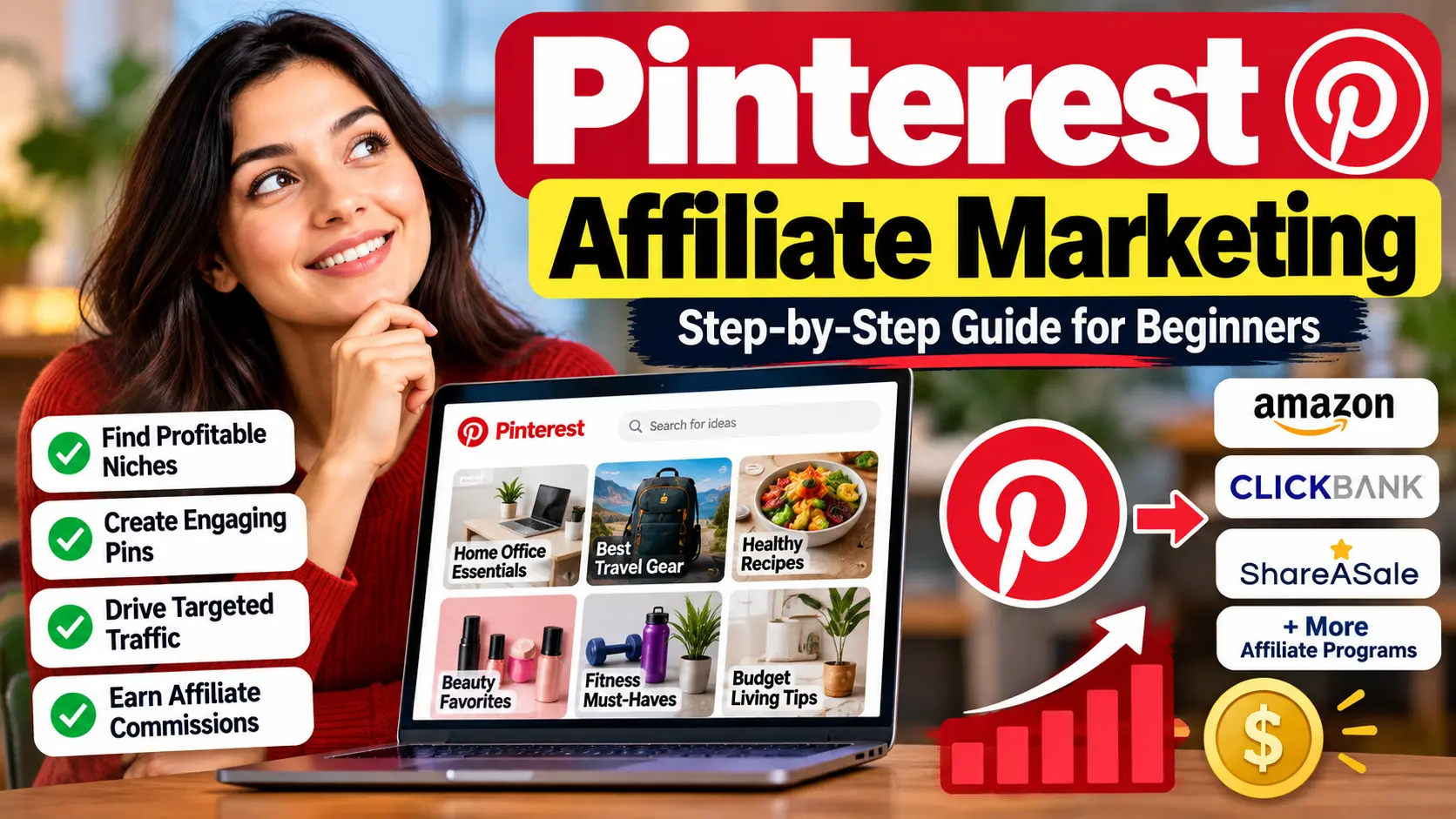
Pinterest affiliate marketing means creating Pins that link to products you earn a commission on. Pinterest allows affiliate links directly in a Pin’s destination link, so you don’t need a website. To do it right: use a free business account, create original Pins, disclose that the link is an affiliate link, and follow both Pinterest’s rules and your affiliate program’s rules.
Key takeaways
- Pinterest is a visual search engine, so Pins can keep getting found long after you post them.
- A business account is free and unlocks Pinterest Analytics and Pinterest Trends.
- Pinterest says affiliate links should go directly to a shop’s product page, and some link shorteners aren’t supported.
- Keywords matter more than followers. Put them in Pin titles, descriptions and board names.
- Always check your affiliate program’s rules for Pinterest. Not every program allows it.
Why Pinterest Works for Affiliate Marketing
Most social platforms are feeds: a post gets attention for a day or two, then disappears. Pinterest works differently. Pinterest itself describes the platform as a visual search engine. People type in what they want (“best AI writing tools,” “side hustle ideas,” “home office setup”) and browse Pins that match.
That makes Pinterest a good fit for affiliate marketing:
- People come to plan and buy. Pinners are often looking for ideas and products for something they want to do.
- Pins keep working. A Pin that matches a search can keep getting impressions, saves and clicks for months.
- Followers matter less. Pinterest focuses on saves, impressions, Pin clicks and outbound clicks rather than follower counts, so new accounts can still get reach.
- No website needed. Affiliate links can go straight in the Pin. See our guide to affiliate marketing without a website for other channels.
Pinterest’s Affiliate Rules (Read These First)
Pinterest welcomes affiliate content. Its policy says affiliate links “help content creators measure the impact of their contributions and get paid for the work that they do.” But there are clear rules:
| Do | Don’t |
|---|---|
| Create original Pins that add real value | Post the same affiliate link over and over, or in large volumes |
| Be transparent about affiliate links (e.g. “#affiliate” or “affiliate link” in the description) | Use fake accounts to create affiliate Pins |
| Link directly to the shop’s product page | Ask other people to save your affiliate Pins in exchange for favors |
| Use an image that matches what people see after clicking | Rely on link shorteners. Some aren’t supported and can get your link blocked. |
| Check links regularly and fix broken ones | Ignore your affiliate program’s own rules |
Also follow the FTC’s disclosure rules if you’re promoting to US audiences. Pinterest specifically tells creators to follow Pinterest’s rules, their affiliate program’s rules and the FTC’s rules.
Which Affiliate Programs Work on Pinterest?
Pinterest allows affiliate links, but each affiliate program decides whether you can promote it there. Before creating Pins, check the program’s terms for “allowed traffic sources.”
- Software and digital products (email tools, AI tools, courses) work well with how-to and “best tools” Pins. Our list of affiliate programs that don’t require a website covers several, with their current rules.
- ClickBank and JVZoo offers can work, but review the vendor’s rules and the sales page first. Not sure which marketplace fits? Read ClickBank vs JVZoo for beginners.
- Amazon Associates: Pinterest isn’t on Amazon’s list of platforms you can apply with (Facebook, Instagram, Twitter/X, YouTube, TikTok and Twitch are). Check Amazon’s current Operating Agreement and help pages before sharing Amazon links on Pinterest.
How to Start Pinterest Affiliate Marketing: Step by Step
- Set up a free business account. Create a new one, or convert your personal account (it must be public first). You keep your Pins and followers, and you get Pinterest Analytics plus access to ad tools.
- Pick a clear niche. Pinterest shows your Pins to people interested in your topic, so stay focused. Good affiliate niches include AI tools, blogging and online business, home office, productivity, and personal finance.
- Optimize your profile. Use a clear profile photo, and a display name and bio with your main keyword, e.g. “AI Tools & Side Hustles for Beginners.”
- Research keywords. Type your topic into Pinterest’s search bar and note the suggested searches. With a business account, use Pinterest Trends, which shows up to two years of top search, save and shopping trends by region.
- Create 5–10 keyword-named boards. Name boards the way people search, e.g. “AI Writing Tools,” “Affiliate Marketing for Beginners,” “Work From Home Tools,” and add a short description to each.
- Design original Pins. Use tall, vertical images. The 2:3 format (1000 × 1500 px) is the common standard. Add a bold, readable headline. Canva’s free Pinterest templates work well.
- Write keyword-rich titles and descriptions. Pinterest allows titles up to 100 characters and descriptions up to 800. Descriptions don’t show in the feed, but Pinterest uses them to decide who sees your Pin.
- Add your link and disclosure. Paste your affiliate link in the destination link field (or link to your own content, see below), and include “#affiliate” or “affiliate link” in the description.
- Pin consistently. Regular fresh Pins beat bursts of activity. Aim for a steady schedule you can keep, and mix helpful non-affiliate Pins in with affiliate Pins.
Two Ways to Link Your Pins
| Direct affiliate Pins | Pins to your own content | |
|---|---|---|
| Where the Pin links | Straight to the product page via your affiliate link | Your blog post, YouTube video, or email opt-in page, which then recommends products |
| Best for | Simple, visual products people already understand | Software, courses and higher-priced products that need explaining |
| Pros | No website needed; fewer steps to purchase | Builds your email list and trust; one Pin can lead to many sales |
| Cons | Cold visitors; subject to program and Pinterest link rules | You need somewhere to send people |
Our recommendation: for tools and digital products, link Pins to a helpful piece of content or an email opt-in page. A reader who has seen a tutorial or comparison is far more ready to buy than someone clicking a product link cold.
Pin Ideas That Get Clicks (Affiliate & AI Tools Niche)
| Pin type | Example headline | Link it to |
|---|---|---|
| List | “7 Free AI Tools Every Blogger Needs” | Your list post or a tools roundup |
| How-to | “How to Start Affiliate Marketing With No Website” | A step-by-step guide |
| Comparison | “ClickBank vs JVZoo: Which Is Better for Beginners?” | Your comparison article |
| Checklist / freebie | “Free Checklist: Your First Affiliate Sale” | Email opt-in page |
| Single product | “The Email Tool I’d Pick as a Beginner” | Review or direct affiliate link |
| Mistakes | “5 Pinterest Mistakes That Kill Affiliate Clicks” | A tips article |
Tip: make several different Pin designs for the same link, with new images and headlines. That gives Pinterest fresh content to show without spamming one Pin repeatedly.
Tracking What Works
Pinterest Analytics (included with a business account) shows how your Pins perform, including impressions, saves, Pin clicks and outbound clicks. For affiliates, outbound clicks matter most, because those are people leaving Pinterest for your link.
- Check which Pins get the most outbound clicks and make more designs on those topics.
- Compare Pinterest clicks with sales in your affiliate dashboard to see which products actually convert.
- Pins with lots of impressions but few clicks may need a stronger headline or a clearer image.
Mistakes to Avoid
- Posting only affiliate Pins. Mix in helpful content. Repetitive, high-volume affiliate posting goes against Pinterest’s guidelines.
- Skipping disclosure. Pinterest, affiliate programs and the FTC all expect clear disclosure.
- Using link shorteners or redirect tricks. Some shorteners are blocked. Use the program’s own link.
- Ignoring keywords. Pins without keywords in the title, description and board name are hard for Pinterest to show to the right people.
- Misleading images. Your Pin image should match what people find after clicking.
- Expecting instant results. Pinterest traffic usually builds gradually as Pins get indexed and saved. Consistency over several months matters more than any single Pin.
Getting clicks is step one. Understand how they turn into commissions.
Our free course for beginners explains, in plain English, how affiliate links, tracking and commissions work. It also covers the simple tools you’ll need (landing pages, email and content) and the beginner mistakes to avoid. It’s self-paced, and no experience or website is needed.
Get Free Access to the Course →
100% free · Self-paced video lessons · No income guarantees, just an honest starting point
Frequently Asked Questions
Can you do affiliate marketing on Pinterest without a website?
Yes. Pinterest lets you add affiliate links directly to a Pin’s destination link. You need original Pins, clear disclosure, and an affiliate program that allows Pinterest as a traffic source.
Does Pinterest allow affiliate links?
Yes. Pinterest’s guidelines allow affiliate links as long as your content is original, adds value, is transparent about the links, and doesn’t use affiliate links repetitively or in large volumes.
Do I need a Pinterest business account for affiliate marketing?
It isn’t required to add links, but it’s strongly recommended. A business account is free and gives you Pinterest Analytics, Pinterest Trends and ad tools. You can convert a public personal account without losing your Pins or followers.
Can I use Amazon affiliate links on Pinterest?
Pinterest isn’t one of the platforms Amazon lets you apply with, so check Amazon’s current Operating Agreement and Associates help pages before sharing Amazon links on Pinterest. Programs that clearly allow Pinterest are a safer starting point.
What size should Pinterest affiliate Pins be?
Use a tall, vertical image. The 2:3 format (1000 × 1500 px) is the common standard. Pinterest allows titles up to 100 characters and descriptions up to 800 characters.
How long does Pinterest affiliate marketing take to work?
Results build gradually. Pins need time to be indexed, saved and shown in search, so most beginners see traffic grow over several months of consistent pinning rather than in the first few weeks.
- Pinterest – Commercial and Branded Content Guidelines
- Pinterest Create – Getting started with affiliate links on Pinterest
- Pinterest Help – Get a business account
- Pinterest Help – Review Pin specs
- Pinterest Help – Browse Pinterest Trends
- Pinterest Create – Pinterest Analytics explained
- Amazon Associates Central – Help