AI Tools · 2026 Comparison
6 Best AI Writing Tools for Beginners (2026)
Disclosure: Some links on this page may be affiliate links. If you sign up through them, IncomeJets may earn a commission at no extra cost to you. It doesn’t change our rankings. Prices and free plan details were checked on each tool’s official pricing page in September 2026. AI tools change their plans often, so confirm before you buy.
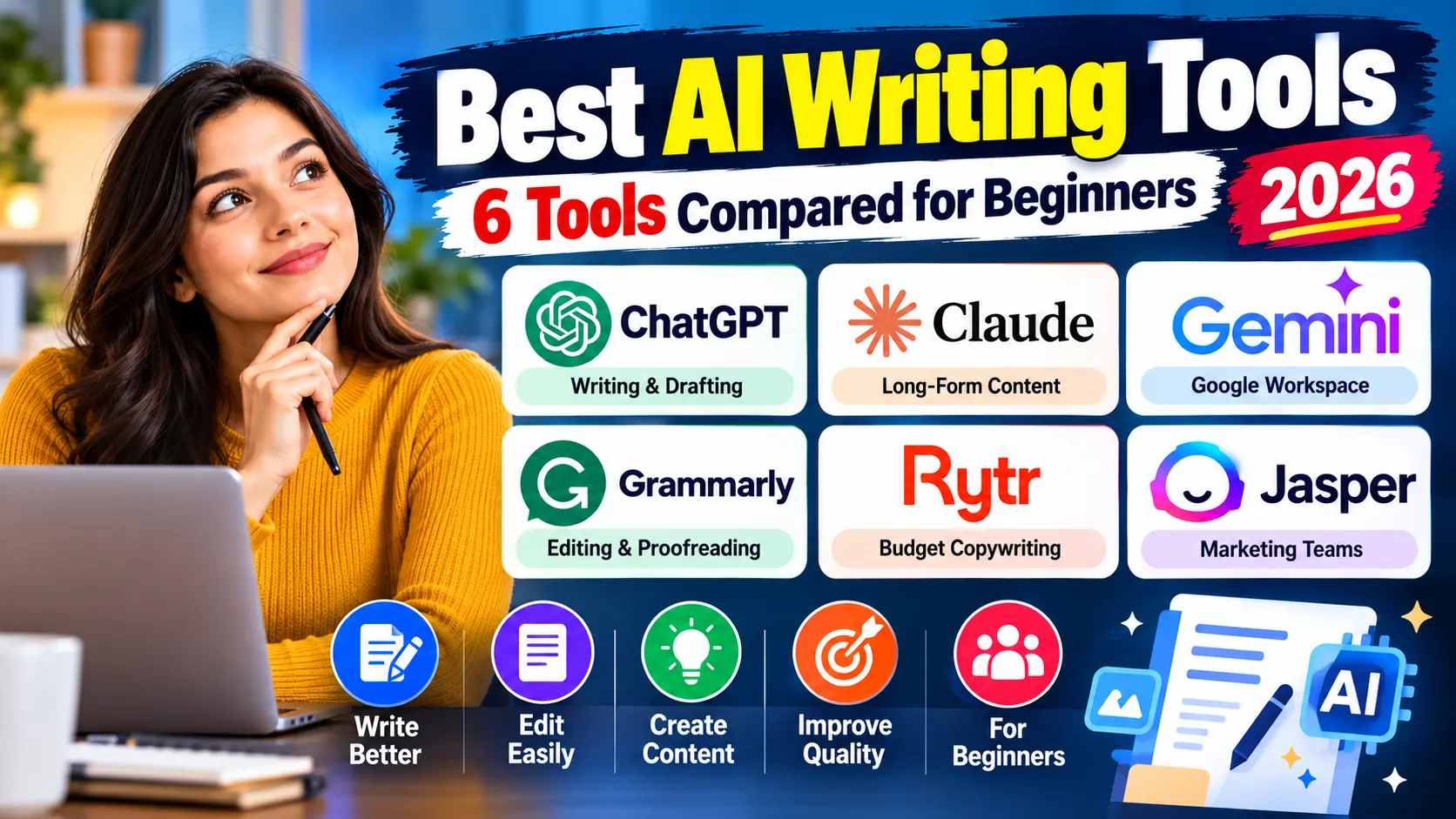
For most beginners, the best AI writing tool is a general AI assistant: ChatGPT, Claude or Gemini. All three have free plans and paid upgrades around $20 a month. Add Grammarly (free) for editing. Choose Rytr if you want the cheapest paid plan, and Jasper only if you’re a marketing team that needs brand voice and campaign tools.
Key takeaways
- Start free. ChatGPT, Claude, Gemini, Grammarly and Rytr all have free plans.
- General assistants beat most “AI writer” apps for beginners, because they’re more flexible and cheaper.
- Use AI to draft, not to publish. Google warns that mass-producing pages with AI without adding value can violate its spam policies.
- Your edits are the value. Add real experience, facts you’ve checked, and your own opinions.
AI Writing Tools Compared
| Tool | Free plan | Paid from | Best for |
|---|---|---|---|
| ChatGPT | Yes | Plus $20/mo (Go priced by region) | All-round writing & ideas |
| Claude | Yes | Pro $20/mo ($17/mo yearly) | Long-form, natural-sounding drafts |
| Gemini | Yes | AI Plus $4.99/mo · AI Pro $19.99/mo | Google Docs & Gmail users |
| Grammarly | Yes (100 AI prompts/mo) | Pro $12/mo | Editing & polishing |
| Rytr | Yes (10K characters/mo) | From $7.50/mo | Budget short-form copy |
| Jasper | No (7-day trial) | Pro $69/mo ($59/mo yearly) | Marketing teams & brand voice |
1ChatGPT: Best All-Round AI Writing Tool
ChatGPT is the most widely used AI assistant, and a solid first choice for outlines, drafts, headlines, emails, social posts and brainstorming.
Free plan: unlimited text conversations with ChatGPT’s default model (with abuse safeguards). Uploads, image generation, voice, deep research and memory are limited. Go is a low-cost plan priced by region with higher limits, and Plus ($20/month) unlocks more advanced models.
- ✅ Very versatile, with huge amounts of tutorials and prompt guides
- ✅ Free plan is enough to start writing
- ❌ Default drafts can sound generic without good prompts and editing
2Claude: Best for Long-Form Drafts
Claude, made by Anthropic, is popular with writers for long-form drafting and editing, and for working with long documents you paste or upload.
Free plan: chat on web, desktop and mobile, web search, file creation, memory across conversations, app connections and Artifacts. Pro costs $20/month ($17/month billed yearly) and adds higher usage limits, Projects and more models.
- ✅ Handles long articles and documents well
- ✅ Good at matching a tone or style you describe
- ❌ Free plan usage limits can run out during heavy writing sessions
3Gemini: Best for Google Workspace Users
Gemini is Google’s AI assistant. It’s a natural choice if you already work in Google’s apps.
Free plan: Gemini’s Flash model with varying access to its Pro model, plus image generation, Deep Research, Gemini Live and Canvas. Google AI Plus ($4.99/month) doubles the free usage limits, and Google AI Pro ($19.99/month) gives 4x the free limits plus 5 TB of storage.
- ✅ Cheapest paid upgrade among the big three assistants
- ✅ Canvas mode is handy for drafting and editing longer pieces
- ❌ Features and limits vary by plan and region
4Grammarly: Best for Editing and Polishing
Grammarly isn’t mainly a draft generator. It’s the tool that makes your writing (or your AI draft) clean and clear, and it works across your browser, email and documents.
Free plan: basic grammar and spelling checks, tone detection and 100 AI prompts a month. Pro ($12/month) adds full-sentence rewrites, tone adjustments, plagiarism and AI detection, and 2,000 AI prompts a month.
- ✅ Excellent free editing layer on top of any other tool
- ✅ Works almost everywhere you type
- ❌ Free AI prompts are limited, so it’s not built for drafting whole articles
5Rytr: Best Budget AI Writer
Rytr is a simple, template-based AI writer for things like product descriptions, ad copy, emails and social posts.
Free plan: 10,000 characters a month in 1 language, with no plagiarism checks. The Unlimited plan starts at $7.50/month and adds unlimited generations and 50 plagiarism checks a month. Premium adds 35+ languages and more checks.
- ✅ Very low-cost paid plan
- ✅ Templates make it easy for complete beginners
- ❌ Less flexible than ChatGPT, Claude or Gemini for long articles
6Jasper: Best for Marketing Teams
Jasper is built for marketing teams that need consistent brand voice across campaigns, rather than for solo beginners.
Pricing: no free plan, but a 7-day free trial of the Pro plan. Pro costs $69/month billed monthly or $59/month billed yearly for one seat. Business plans are custom-priced.
- ✅ Marketing-focused features for teams and brands
- ❌ The most expensive option here, and hard to justify when you’re just starting
Will AI-Written Content Hurt Your SEO?
Not by itself. What matters is how you use it. Google’s guidance says AI content must meet the same standards as any other content, and it warns:
“Using generative AI tools or other similar tools to generate many pages without adding value for users may violate Google’s spam policy on scaled content abuse.”
In practice, AI-assisted content does well when a human adds what AI can’t: real experience, checked facts, original examples, screenshots, and honest opinions. Google also suggests giving readers context about how automation was used where it’s relevant.
Rule of thumb: if you wouldn’t publish the page without AI, don’t publish it with AI. Use AI to work faster, not to skip the work.
A Simple AI Writing Workflow for Beginners
- Research first, yourself. Collect facts, prices and examples from official sources before you open an AI tool, because AI can state outdated or wrong facts confidently.
- Ask AI for an outline. Example prompt: “Create an outline for a beginner’s guide to [topic]. Include the questions a beginner would ask.”
- Draft section by section. Give the AI your research notes and ask it to write one section at a time in a friendly, plain-English tone.
- Add your own experience. Insert what you’ve actually tried, your results, screenshots and opinions. This is what makes the content yours.
- Fact-check everything. Verify every number, price and claim against the original source.
- Polish with an editor. Run the final draft through Grammarly or a similar tool, then read it aloud once.
Writing emails for your list? Pair your AI tool with one of the best free email marketing tools. Promoting AI tools as an affiliate? See our list of affiliate programs that don’t require a website.
Which AI Writing Tool Should You Choose?
| If you… | Choose |
|---|---|
| Want one free tool for everything | ChatGPT |
| Write long blog posts and guides | Claude |
| Work mainly in Google Docs and Gmail | Gemini |
| Mainly need to fix and polish your writing | Grammarly |
| Want the cheapest paid AI writer | Rytr |
| Run marketing for a brand or team | Jasper |
Our suggestion: start with the free plan of one assistant (ChatGPT, Claude or Gemini) plus free Grammarly. Upgrade only when you hit limits you actually feel.
Using AI tools to earn online? Learn the affiliate basics first.
Our free course for beginners explains, in plain English, how affiliate links, tracking and commissions work. It also covers the simple tools you’ll need (landing pages, email and content) and the beginner mistakes to avoid. It’s self-paced, and no experience or website is needed.
Get Free Access to the Course →
100% free · Self-paced video lessons · No income guarantees, just an honest starting point
Frequently Asked Questions
What is the best AI writing tool for beginners?
For most beginners, a general AI assistant such as ChatGPT, Claude or Gemini is the best choice. All three have free plans and handle outlines, drafts, emails and social posts. Add free Grammarly for editing.
Is there a completely free AI writing tool?
Yes. ChatGPT, Claude, Gemini, Grammarly and Rytr all offer free plans. Free plans have usage limits, such as Rytr’s 10,000 characters a month or Grammarly’s 100 AI prompts a month.
Is ChatGPT or Claude better for writing?
Both are strong. ChatGPT is a versatile all-rounder with a huge library of tutorials, while Claude is popular for long-form drafts and working with long documents. Both have free plans and $20/month Pro-level upgrades, so try both on the same task.
Does Google penalize AI-written content?
Google doesn’t penalize content just because AI helped create it. But using AI to generate many pages without adding value can violate its spam policy on scaled content abuse. Add real experience, checked facts and original insight.
Is Jasper worth it for beginners?
Usually not. Jasper has no free plan (only a 7-day trial) and its Pro plan costs $69/month billed monthly. It’s designed for marketing teams that need brand voice features.
Can I use AI writing tools for affiliate marketing?
Yes, for outlines, drafts, emails and social posts. But check facts, disclose affiliate links, and add genuine experience with the products you recommend. Readers and search engines both reward honest, useful content.